AI SEO for WordPress in 2026: How to Improve Visibility in Google AI Overviews and ChatGPT Search

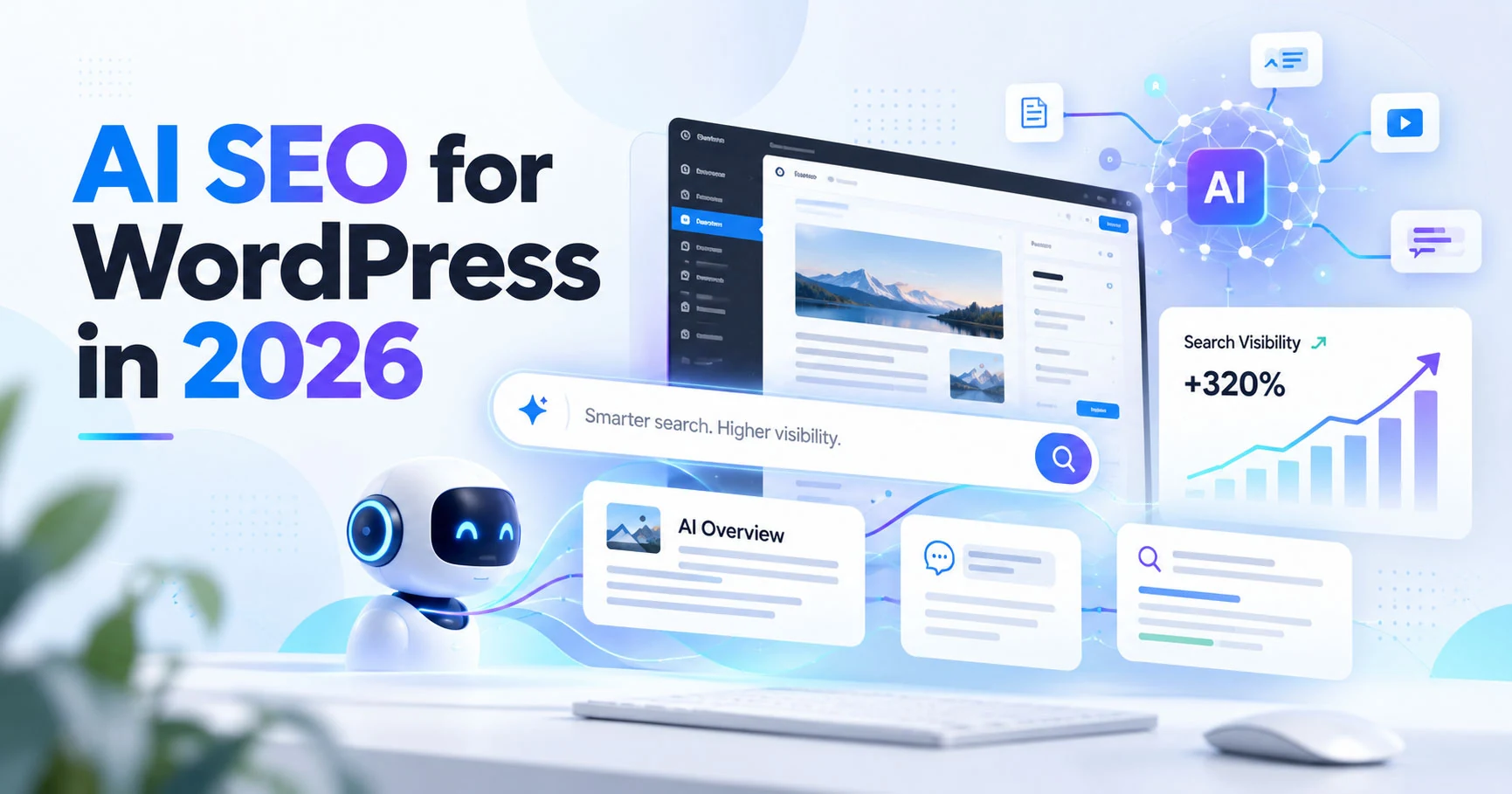
Search is changing.
A potential customer may still type a few keywords into Google and open a traditional result. But that same person may now ask Google AI Mode or ChatGPT a much longer question:
“What should I check before hiring someone to redesign my old WordPress website without losing SEO?”
That change creates a new opportunity for useful websites.
Instead of optimizing only for short keywords, website owners should create pages that clearly answer specific questions, demonstrate real expertise, remain easy for search engines to crawl, and give AI systems enough context to understand who created the information and why it is trustworthy.
This is often described as AI SEO, AEO, GEO, or optimization for generative search.
The terminology is less important than the fundamentals.
Quick answer: You do not need to rebuild your WordPress website around a special AI algorithm. Start with strong traditional SEO: crawlable pages, useful original content, internal links, descriptive headings, clear authorship, relevant structured data, good page experience, and high-quality images. Then make the information easier for humans and AI systems to extract by answering important questions directly and supporting those answers with detailed context and real experience.
What Is AI SEO?
AI SEO is the process of making useful website information easy to discover, understand, reference, and trust in search experiences that use generative AI.
This can include:
- Google AI Overviews.
- Google AI Mode.
- ChatGPT Search.
- Other answer engines.
- Traditional Google results.
- Image and multimodal search.
This is not a completely separate discipline from normal SEO.
A technically inaccessible page will not become successful because it contains an “AI optimized” paragraph.
A generic article produced only to repeat keywords will not automatically become a trusted source.
The strongest strategy is to improve the quality of the complete website.
Traditional SEO Is Still the Foundation
Before thinking about AI visibility, verify the basics.
Important pages should:
- Return a successful HTTP status.
- Be crawlable.
- Be indexable.
- Have one clear topic.
- Use a descriptive title.
- Have a logical heading structure.
- Contain useful text.
- Be accessible through internal links.
- Use consistent canonical URLs.
- Load reliably.
- Work well on mobile.
- Include useful structured data where appropriate.
AI search does not remove these requirements.
It makes clear site architecture and useful information even more important because a complex question may require information from several related pages.
Answer Important Questions Directly
Traditional blog writing often begins with a long introduction before answering the question.
For AI-oriented content, the answer should usually appear earlier.
For example, a page about WordPress maintenance can contain:
Quick answer: A business WordPress maintenance plan should normally cover tested updates, backups, security review, uptime monitoring, form checks, and a clear support process. More complex sites such as WooCommerce stores require additional testing because updates can affect checkout, payments, orders, and customer accounts.
The rest of the article can then explain every part in detail.
This structure works because the visitor receives immediate value while search systems still have enough supporting context to understand the answer.
Write for Questions, Not Only Keywords
A single keyword rarely represents the complete customer problem.
Someone searching for WordPress redesign may really want to know:
- Will redesigning WordPress damage SEO?
- Should I rebuild the old site or improve it?
- How much does a redesign cost?
- Can the same domain be kept?
- Should URLs change?
- Can Elementor be used?
- How long will the redesign take?
- What happens to existing blog posts?
A strong service page or supporting article should cover the important questions naturally.
This creates semantic depth without repeating the exact target keyword in every paragraph.
Use First-Hand Experience
Generic information is easy to reproduce.
Real experience is more valuable.
If you work with WordPress professionally, include details that come from doing the work:
- Problems discovered during migrations.
- Common Elementor mistakes.
- What normally breaks after plugin updates.
- How forms are tested.
- How redirects are planned.
- What clients should prepare before a redesign.
- Why a particular technical approach was selected.
- Lessons from real project types.
- Screenshots or anonymized examples where appropriate.
You do not need to expose private client information.
The objective is to show that the content comes from actual practice rather than a rewritten definition.
Build Strong Author and Business Signals
A useful article should make it clear who wrote it.
Include:
- Author name.
- Author photo.
- Relevant professional description.
- Experience.
- Link to the author page.
- Real portfolio.
- Client feedback.
- Relevant profiles.
- Contact information.
- Updated publication dates.
For a personal freelancer website, the author entity and business entity are closely connected.
Consistency matters.
The same professional name, description, profile information, and areas of expertise should appear naturally across the website.
Use Structured Data Correctly
Structured data helps search engines understand the type and important properties of a page.
For blog posts, appropriate markup can describe:
- The article.
- Headline.
- Author.
- Publication date.
- Modification date.
- Featured image.
- Publisher.
The structured information must match what visitors can actually see.
Do not create markup containing services, reviews, ratings, authors, or claims that are not present on the page.
AI visibility does not require inventing a new collection of schema types.
Correct normal structured data is more useful than experimental markup with no clear purpose.
Create a Strong Internal Link Network
Individual blog posts should not exist in isolation.
A useful WordPress content cluster might connect WordPress Website Development to:
- Website cost guide.
- Hiring a WordPress developer.
- Elementor website design.
- Website audit checklist.
- Speed optimization.
- WordPress maintenance.
- Website migration.
- Website redesign.
A visitor reading one article can then move naturally toward the next relevant question or service.
Search engines also receive a clearer picture of how topics relate to each other.
Internal links should use descriptive anchor text when it is natural.
“Learn about WordPress website maintenance” provides more context than repeating “click here” throughout the site.
Improve Service Pages, Not Only Blog Posts
Informational content can bring visitors to a website, but the service pages still need to explain what you actually do.
A strong service page should answer:
- Who the service is for.
- What problems it solves.
- What is included.
- What is not included.
- How the process works.
- What the client needs to provide.
- Relevant project examples.
- Common questions.
- The next action.
The goal is to connect informational visibility with commercial usefulness.
A blog post may introduce the visitor to your expertise.
The service page should help the visitor decide whether you are the right person for the project.
Do Not Create Hundreds of Thin AI Articles
Generative tools make it possible to publish enormous amounts of text quickly.
That does not mean a website should.
Publishing 100 similar articles such as:
- Best WordPress tips.
- Top WordPress tips.
- WordPress tips for beginners.
- WordPress tips for businesses.
- WordPress tips for websites.
creates very little additional value.
It can also make the site harder to maintain and cause several pages to compete for essentially the same topic.
A smaller collection of comprehensive, distinctive articles is often more useful.
Before publishing a new post, ask:
Does this answer a different search intent from the pages that already exist?
If the answer is no, improve the existing page instead.
Keep Important Information in Text
Visual design is useful, but critical information should not exist only inside graphics, sliders, videos, or images.
If a diagram explains a website migration process, add supporting text.
If a video explains a service, include a written summary.
If a portfolio screenshot demonstrates a redesign, describe the project and the work performed.
Text makes the information easier to search, quote, translate, summarize, and understand.
Images Matter More in Modern Search
Images are no longer only decoration.
Search experiences increasingly combine text with visual discovery.
For WordPress and web-design websites, useful images include:
- Real website screenshots.
- Before-and-after redesign examples.
- Mobile screenshots.
- Performance comparisons.
- Diagrams.
- Migration flowcharts.
- WooCommerce interfaces.
- Elementor examples.
Use descriptive filenames and contextual alt text.
Avoid stuffing keywords into alt attributes.
Describe what the image actually contains and why it is relevant.
A featured image should also represent the article rather than displaying unrelated generic technology imagery.
Keep Your Best Articles Updated
A useful older article does not always need to be replaced by a new one.
Suppose you already have an article explaining WordPress speed optimization.
Instead of publishing another almost identical guide every year:
- Review the old article.
- Remove outdated information.
- Add new relevant sections.
- Improve screenshots.
- Update examples.
- Add new internal links.
- Update the modification date when substantial changes were actually made.
This preserves the existing URL and strengthens one useful resource.
Optimize for Natural Language Queries
AI search encourages longer questions.
Instead of only targeting WordPress maintenance, also answer questions such as:
- What does WordPress maintenance actually include?
- Do small business websites need monthly maintenance?
- Can plugin updates break Elementor?
- How often should backups be tested?
- Should WooCommerce updates be tested on staging?
- What should I send a developer when my WordPress site is broken?
Use these questions as subsections when they genuinely belong in the article.
Do not create awkward headings only because a keyword tool produced them.
Add Useful Comparisons
AI search is frequently used for decision-making.
Comparison sections can therefore be very valuable.
Freelancer vs agency
Explain when each option is appropriate.
Elementor vs custom development
Explain the strengths and limitations rather than declaring one universally better.
Refresh vs redesign vs rebuild
Explain how the condition of the existing website changes the decision.
Maintenance plan vs one-time fixes
Explain the difference in risk and responsibility.
Balanced comparisons build more trust than articles designed only to push one option.
Make Your Content Easy to Quote
Clear factual statements are easier to reference than vague marketing language.
Instead of:
“We deliver world-class website solutions designed to exceed expectations.”
write:
“A WordPress migration should normally move the database and files as one coordinated website state, test forms and integrations before DNS changes, and keep the previous server available temporarily as a rollback option.”
The second sentence communicates something useful.
Good AI-search content usually resembles good professional communication: specific, understandable, and defensible.
What About FAQ Sections?
FAQ sections are still useful when they answer real customer questions.
Use them because visitors need the answers, not because you expect a special search-result feature.
Keep the questions specific.
Can ChatGPT find my WordPress website?
Public websites can potentially appear in AI search experiences when their pages are accessible to the relevant search systems. Make sure the website is publicly crawlable, useful, and not accidentally blocked by robots or security tools.
Do I need a special AI SEO WordPress plugin?
No plugin can guarantee inclusion in AI-generated answers. Standard SEO plugins can help manage titles, canonicals, sitemaps, and structured data, but the quality, accessibility, authority, and usefulness of the content remain important.
Should I create an llms.txt file?
Treat experimental AI-specific files as optional rather than a replacement for normal SEO. Your priority should remain crawlable pages, correct robots rules, indexable content, useful internal links, good structured data, and strong original information.
Make Sure AI Search Crawlers Can Reach the Site
Crawler access is an increasingly important technical check.
Review:
- robots.txt.
- CDN rules.
- Cloudflare or firewall bot protection.
- Security plugins.
- Rate limiting.
- Server logs.
A website can look perfectly normal to a human visitor while automated search systems receive a blocked response.
If visibility in ChatGPT Search matters to the business, verify that the search crawler used for that purpose is not unintentionally blocked.
This control is separate from decisions about whether content should be used for model training.
Measure AI Visibility
AI SEO should not be managed only through guesswork.
Continue monitoring normal metrics:
- Organic clicks.
- Impressions.
- Landing pages.
- Queries.
- Leads.
- Conversion rate.
Also review any search-platform reporting available for generative AI visibility.
Look for:
- Which pages are being surfaced.
- Which topics repeatedly appear.
- Which countries generate visibility.
- Whether pages receiving AI exposure also produce meaningful visits or enquiries.
Traffic alone is not the final objective.
A smaller number of visitors who understand the service and contact you may be more valuable than large volumes of irrelevant traffic.
An AI SEO Checklist for WordPress
Before publishing an important page or article, check:
- Is the URL crawlable and indexable?
- Is the topic clear?
- Is there one descriptive H1?
- Does the introduction answer the main question?
- Does the page contain original useful information?
- Is the author clearly identified?
- Are claims realistic?
- Are sections organized logically?
- Are relevant service and supporting pages internally linked?
- Are images useful and optimized?
- Does structured data match visible content?
- Is the page mobile-friendly?
- Are important details available as text?
- Are outdated claims removed?
- Does the page provide a useful next step?
If these fundamentals are strong, the page is also building a better foundation for traditional SEO.
Frequently Asked Questions
Is AI SEO replacing normal Google SEO?
No. AI search changes how some information is presented and how users ask questions, but technical accessibility, useful content, authority, internal links, page quality, and search intent remain important.
Can I guarantee that my site will appear in Google AI Overviews?
No. Website owners can improve eligibility and content quality, but search engines decide when AI features appear and which sources are used.
Can ChatGPT cite my WordPress blog?
Public web content can potentially appear in ChatGPT search experiences when it can be discovered and crawled. Make sure search crawler access is not accidentally blocked and publish information that is genuinely useful enough to reference.
Do I need to publish blog posts every week?
No. Consistency is useful, but quality and differentiation matter more than publishing filler content on an arbitrary schedule.
Should every article be extremely long?
No. The article should be as detailed as the question requires. Some topics need a concise explanation. A migration checklist, website audit, or technical guide may require much more detail.
Final Thoughts
AI search does not make good websites obsolete.
It makes clear, original and trustworthy information more valuable.
The strongest WordPress AI SEO strategy in 2026 is therefore not to chase every new acronym or install another plugin.
Build a technically accessible site.
Explain your services clearly.
Publish useful articles based on real experience.
Answer customer questions directly.
Connect related content through internal links.
Use accurate structured data.
Add meaningful images.
Keep strong existing pages updated.
And make it obvious who created the content and why they understand the subject.
That approach improves your chances of being useful whether the visitor finds you through a traditional Google result, an AI Overview, AI Mode, ChatGPT Search, an image search, or a direct recommendation.
If you need help improving an existing WordPress or Elementor website, send me the URL and explain what you want the website to achieve. I can review the current structure and recommend the most practical next step.
About the Author
Blagojche Nedelkovski (Nofomsok)
WordPress & Elementor Developer
Freelance WordPress and Elementor developer from North Macedonia, working with international clients since 2013.
Related Services and Guides
WordPress Website Development, Elementor Website Development, WordPress Website Redesign, WordPress Speed Optimization, WordPress Maintenance Plans.
Continue with WordPress Website Migration Checklist, or send me your website and requirements.
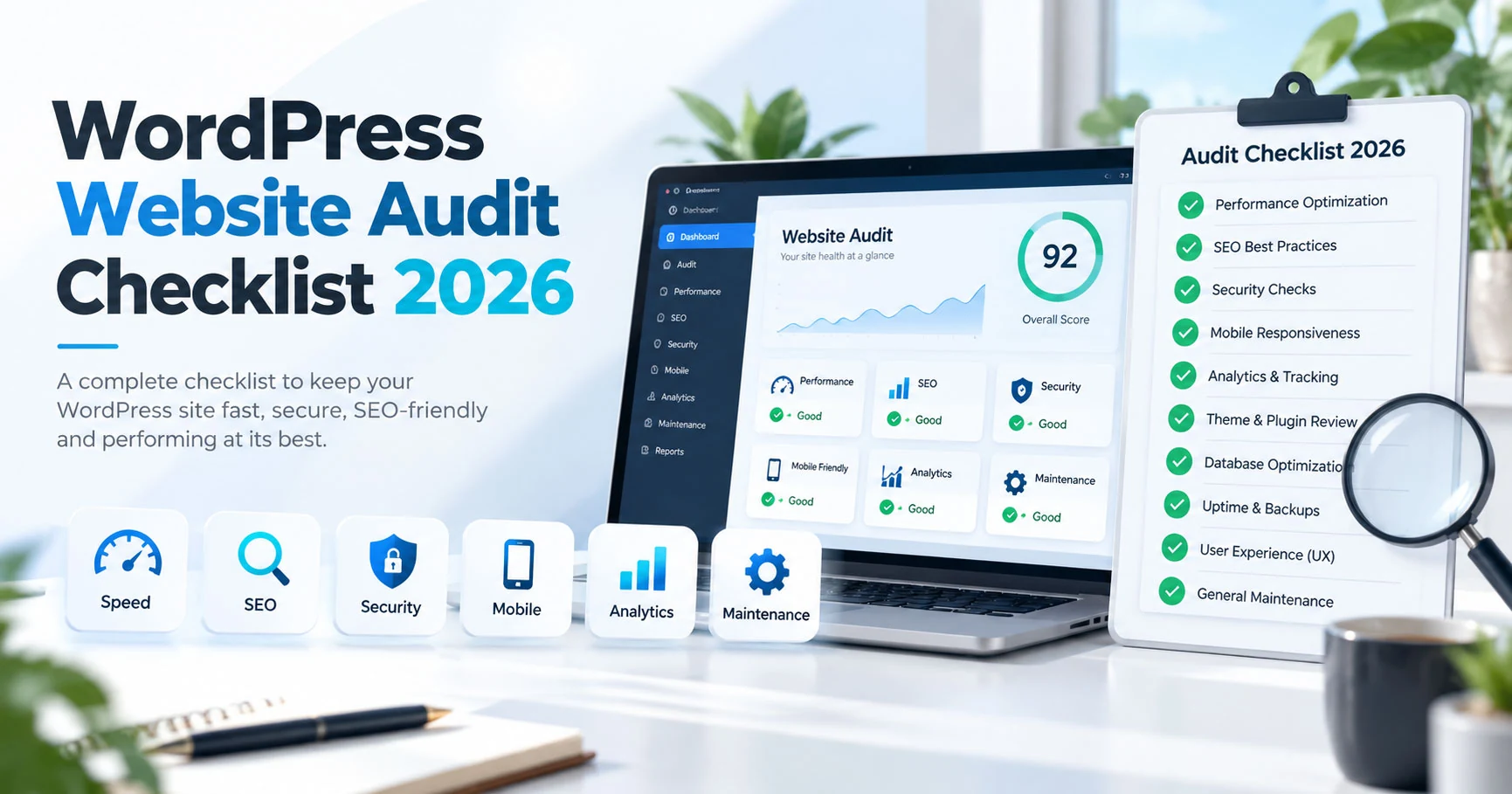
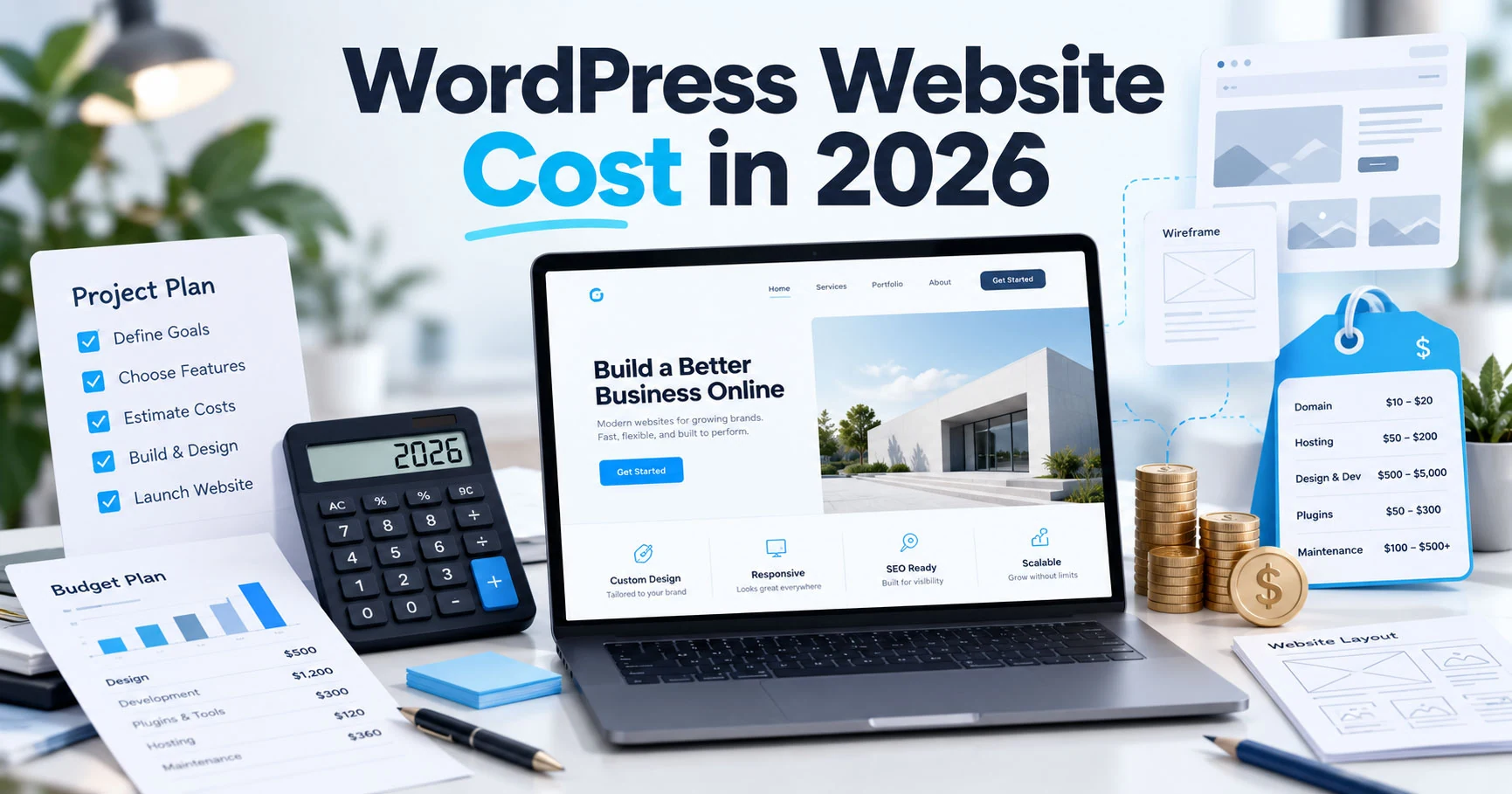
Related reading: How Much Does a WordPress Website Cost in 2026?, WordPress Website Audit Checklist for 2026: SEO, Speed, Security and Conversions.
Continue Planning Your Website
WordPress Website Development
Custom responsive WordPress websites built with Elementor, clear structure, and practical SEO foundations. Ideal for businesses that need a clean site they can manage after launch.
Explore Service Case StudyNu-tility Website
A completed business website project for an energy infrastructure company, focused on a professional digital presence and clear service positioning.
View Case Study GuideWordPress Website Audit Checklist for 2026: SEO, Speed, Security and Conversions
Audit your WordPress website for SEO, speed, security, mobile UX, forms, conversions and maintenance with this practical 2026 checklist.
Read Guide