WordPress Website Redesign Checklist: 12 Warning Signs

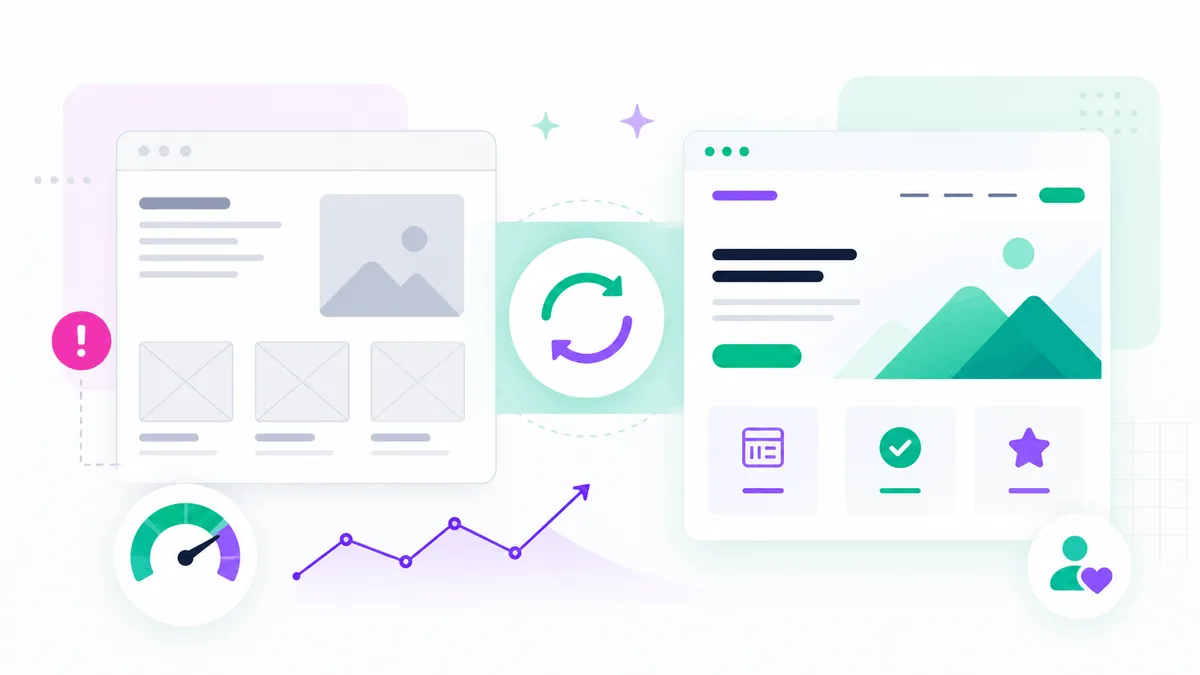
A website redesign should solve business and user problems, not simply change colors and fonts. The right redesign can improve credibility, mobile usability, speed, search visibility, content management, and lead generation. The wrong redesign can remove useful content, damage rankings, and create a more complicated website than the one it replaced.
This WordPress website redesign checklist helps you decide whether the current site needs targeted improvements, a visual refresh, or a complete rebuild. Review the warning signs, then define measurable goals before changing the live website.
1. The Website No Longer Represents the Brand
Businesses change. Services expand, target customers become more specific, visual identity improves, and stronger examples of work become available. If the website still describes the company as it was several years ago, visitors receive the wrong impression.
Check whether the homepage, service pages, portfolio, team information, contact details, and imagery reflect the current business. A redesign should align the website with the company's real positioning rather than applying a fashionable template.
Update the visual system consistently: colors, typography, buttons, icons, photography, spacing, and tone of voice. Inconsistent design can make a legitimate business feel less established.
2. Visitors Cannot Understand the Offer Quickly
A visitor should not need to study several paragraphs before understanding what the business provides. Vague hero statements, internal jargon, and crowded navigation create confusion.
Review the first screen of the homepage and each important service page. Can a new visitor answer these questions?
- What is being offered?
- Who is it for?
- What is the main benefit?
- Why should the visitor trust the provider?
- What is the next step?
A redesign is an opportunity to improve messaging and content hierarchy before focusing on visual details.
3. The Website Looks Outdated or Inconsistent
An older visual style is not automatically a problem. A simple website can still work well. The issue appears when design choices reduce trust or usability: small text, crowded layouts, low-quality images, inconsistent buttons, dated sliders, or pages that look unrelated.
A modern redesign normally uses clearer typography, stronger spacing, a focused color system, better media, and fewer decorative effects. The objective is not to follow every trend. It is to create a professional interface that supports the content and remains usable for several years.
4. The Mobile Experience Is Difficult
Mobile problems are a strong reason to redesign. Common issues include tiny text, columns that do not stack correctly, horizontal scrolling, buttons that are difficult to tap, menus that cover the screen, oversized images, and forms that do not work with the mobile keyboard.
Google uses mobile-first indexing, so the mobile version must provide the complete important content and structured information. Do not remove useful service details from mobile simply to make the page shorter.
Test the current site on real phones. Complete the actions that matter: open the navigation, read a service page, submit a form, make a purchase, or request a quote. Record every point of friction.
5. Pages Are Slow or Unstable
A redesign is a good time to address performance at the structural level. Replacing images and adding a cache plugin may help, but a website with a heavy theme, many add-ons, duplicate scripts, and deeply nested Elementor sections may need a cleaner build.
Measure the homepage, service pages, blog posts, and ecommerce journey. Review Core Web Vitals, large files, server response, third-party scripts, fonts, plugins, and database health.
Performance goals should be included in the project scope. Otherwise, the redesigned site may look better but load more slowly because it contains larger media and additional effects.
6. The Website Receives Traffic but Few Enquiries or Sales
Low conversion does not always mean the design is unattractive. The content may not answer customer questions, the service pages may be too general, proof may be missing, or the call to action may appear at the wrong time.
Review analytics and real user behavior. Identify pages that receive visits but produce few meaningful actions. Check form errors, phone-link clicks, checkout abandonment, and mobile drop-off.
A conversion-focused redesign improves the complete journey:
1. Clear offer.
2. Relevant benefits.
3. Specific service or product details.
4. Trust and proof.
5. Answers to concerns.
6. Simple next step.
Do not add more buttons without improving the reason to click them.
7. Content Is Thin, Duplicated, or Difficult to Scan
A redesign often exposes a content problem. Several pages may repeat the same generic paragraph, while important services have only a few sentences. Blog posts may not link to commercial pages, and old content may no longer be accurate.
Create a content inventory before the redesign. For each URL, decide whether to keep, improve, merge, redirect, or remove it. Protect pages that already receive traffic or backlinks.
Rewrite service pages around specific customer needs. Use descriptive headings, shorter paragraphs, examples, FAQs, and clear internal links. Preserve the useful information from the old site even when the visual layout changes.
8. The SEO Foundation Is Weak
A redesign can improve SEO, but it can also cause serious losses when URLs, titles, headings, internal links, or index settings change without planning.
Audit:
- Indexable URLs.
- Title tags and meta descriptions.
- H1 and subheading structure.
- Canonical tags.
- XML sitemap and robots rules.
- Internal links.
- Image alt text.
- Structured data.
- Redirects and broken links.
- Search Console performance.
Keep valuable URLs when possible. When a URL must change, create a direct 301 redirect to the closest relevant replacement. Do not redirect every removed page to the homepage.
9. The Website Is Hard to Update
A business website should support regular changes. If editing a phone number breaks the layout, or every new service page requires copying an old page with inconsistent settings, the system needs improvement.
A WordPress and Elementor redesign can introduce global styles, reusable templates, dynamic content, and a cleaner editor experience. Remove abandoned plugins and document how important sections work.
The goal is not to give every user unrestricted design control. It is to make common updates safe while protecting the visual system.
10. Themes, Plugins, or PHP Are Outdated
Unsupported themes and plugins create security, compatibility, and maintenance risks. A website may depend on a page builder version that cannot be updated without breaking the design, or on custom code that nobody understands.
Review WordPress core, PHP, theme, plugins, licenses, and server requirements. Check error logs and staging behavior. If the site cannot be updated safely, a rebuild on a supported foundation may be more efficient than repeated emergency fixes.
Always create full backups and a staging copy before major updates or redesign work.
11. Forms, Email, Tracking, or Integrations Are Unreliable
A website can look perfect while silently losing leads. Test every contact form, quote form, newsletter signup, booking tool, payment gateway, and automation.
Confirm that emails reach the correct inbox, autoresponders are accurate, spam protection works, and consent settings match the business requirements. Verify analytics and advertising conversions using successful actions, not only button clicks.
Include integration testing in the redesign plan. Replacing a form plugin or changing URLs can break CRM connections, webhooks, thank-you pages, and campaign tracking.
12. The Website Does Not Support Current Business Goals
The strongest reason to redesign is strategic. The business may now need local SEO pages, a portfolio, ecommerce, multilingual content, lead qualification, booking, downloadable resources, or better campaign landing pages.
Define the next two or three years of expected use. The new structure should support realistic growth without installing a different plugin for every future idea.
A redesign should also remove features that no longer provide value. Simplifying the website can improve both performance and management.
Refresh, Redesign, or Rebuild?
Not every website needs a complete rebuild.
Choose a visual refresh when:
- The structure and technology are healthy.
- Most content remains accurate.
- Mobile and performance are acceptable.
- The main need is updated branding and styling.
Choose a broader redesign when:
- Messaging, navigation, page hierarchy, and conversion paths need improvement.
- New templates and responsive behavior are required.
- SEO content needs expansion.
- The existing WordPress setup can still be cleaned and reused.
Choose a full rebuild when:
- The theme or builder is unsupported.
- Updates repeatedly break the website.
- The site has severe technical debt.
- Performance problems are structural.
- Content and URLs need major reorganization.
- The new business requirements cannot fit the existing architecture cleanly.
A technical and content audit should determine the scope before design work begins.
How to Redesign WordPress Without Losing SEO
A safe redesign process includes:
1. Crawl and export the existing URLs.
2. Record current rankings, traffic, conversions, backlinks, and top pages.
3. Create a content and redirect map.
4. Build the new site on a protected staging environment.
5. Preserve useful content and on-page metadata.
6. Keep important URLs unchanged where possible.
7. Add direct 301 redirects for changed URLs.
8. Check canonicals, noindex rules, robots.txt, and the XML sitemap.
9. Test internal links, forms, tracking, schema, and mobile layouts.
10. Create a fresh backup before launch.
11. Crawl the new live site immediately after launch.
12. Monitor Search Console, analytics, errors, and conversions.
Do not block the live site with a staging noindex setting after migration. This is a common and damaging launch mistake.
WordPress Website Redesign Project Checklist
Strategy and content
- Define the target audience and primary actions.
- Inventory every current page.
- Decide what to keep, improve, merge, redirect, or remove.
- Rewrite the homepage and priority services before design is finalized.
- Collect real testimonials, portfolio work, and brand assets.
Design and user experience
- Create a consistent visual system.
- Plan desktop and mobile behavior.
- Use clear navigation and page hierarchy.
- Make calls to action descriptive.
- Include accessibility requirements.
Technical build
- Use a supported theme and plugin stack.
- Configure reusable Elementor templates and global styles.
- Optimize images, fonts, CSS, JavaScript, and caching.
- Test forms, email, integrations, ecommerce, and tracking.
- Review security, backups, and user roles.
SEO and launch
- Preserve URLs or map redirects.
- Add unique titles and meta descriptions.
- Check heading structure and internal links.
- Validate canonical tags and structured data.
- Generate and submit the sitemap.
- Monitor performance after launch.
Frequently Asked Questions
How often should a WordPress website be redesigned?
There is no fixed schedule. Redesign when the website no longer supports the brand, users, technology, SEO, or business goals. A well-maintained website can remain effective for years with gradual improvements.
Will a redesign improve SEO automatically?
No. It can improve technical quality, content, structure, and user experience, but rankings can fall if useful pages or URLs are removed carelessly. SEO migration planning is essential.
Can I redesign an Elementor website without rebuilding it?
Often, yes. Global styles, templates, containers, responsive settings, and content can be improved within the existing setup. A rebuild is better when the current structure is deeply inconsistent, outdated, or unstable.
How long does a WordPress redesign take?
The timeline depends on the number of pages, content readiness, custom functionality, feedback, integrations, and migration complexity. A small service website may take weeks, while a large ecommerce or multilingual site requires more planning and testing.
Final Thoughts
Use this WordPress website redesign checklist to identify the real problems before selecting a template or changing the visual style. The most successful redesigns improve business clarity, content, mobile usability, performance, SEO, conversions, and long-term maintenance together.
If you are unsure whether your website needs a refresh, redesign, or full rebuild, send me the URL and the main problems you are seeing. I can review the WordPress and Elementor setup and recommend the most practical next step through Upwork.
Continue Planning Your Website
WordPress Website Redesign
Redesign outdated WordPress websites into modern Elementor pages with stronger messaging and smoother navigation. The goal is a cleaner site that converts better.
Explore Service Case StudyNu-tility Website
A completed business website project for an energy infrastructure company, focused on a professional digital presence and clear service positioning.
View Case Study GuideWhy Your Business Needs a Professional WordPress Website
Why a professional WordPress website remains a valuable business asset in 2026, from credibility and SEO to mobile performance, lead generation, ownership, and growth.
Read Guide