WooCommerce Tips to Increase Sales and Conversions

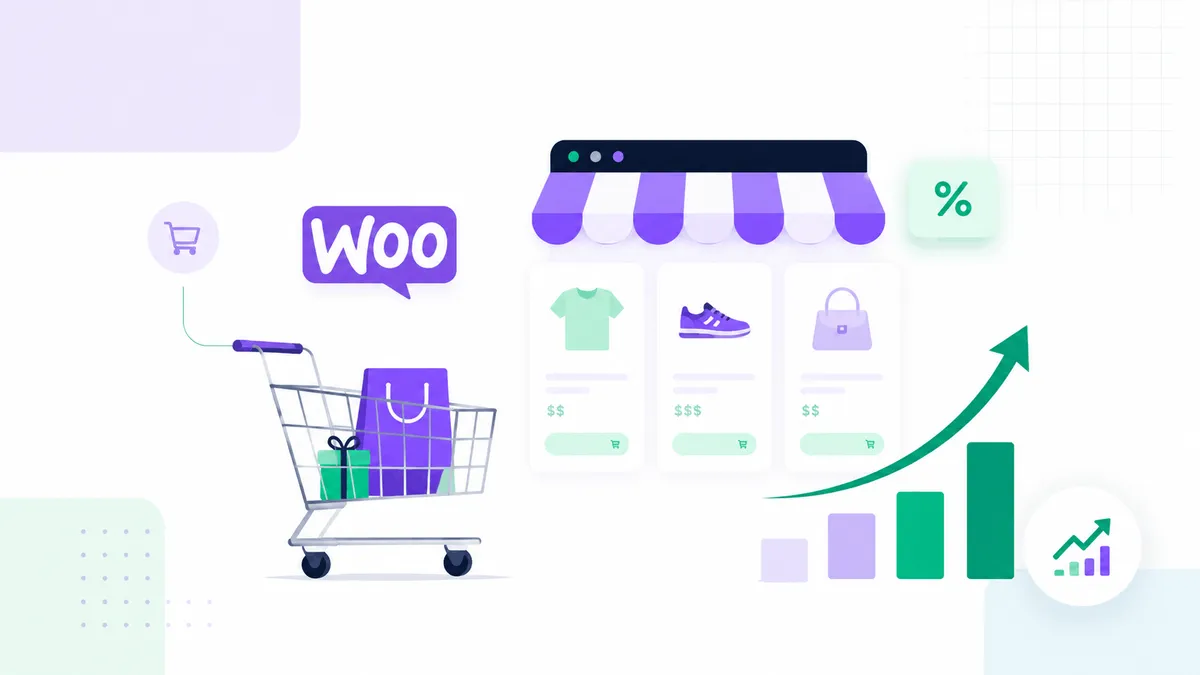
Getting more traffic is only one part of ecommerce growth. A WooCommerce store also needs to help visitors find the right product, understand its value, trust the business, and complete checkout without unnecessary friction. The most effective WooCommerce tips to increase sales therefore focus on the complete buying journey, not only on promotional discounts.
Before changing the design, review your store as a customer. Search for a product, open it on mobile, select an option, add it to the cart, calculate delivery, and complete a test order. Every confusing message, slow step, hidden cost, or broken layout is a possible reason for an abandoned purchase.
1. Make the Store Easy to Navigate
Customers should understand the product structure immediately. Use clear categories based on how people shop rather than how the business stores inventory internally. Keep the main navigation simple and avoid forcing visitors through several menus before they see products.
For larger stores, useful search and filtering can make a major difference. Allow customers to filter by the attributes that matter, such as size, compatibility, material, brand, price, or availability. Filters should work smoothly on mobile and should not create hundreds of low-value indexable URLs.
Add breadcrumbs so visitors can move back to a category easily. Use descriptive category introductions to help both customers and search engines understand the product range.
2. Improve Product Titles and Descriptions
A product title should be clear, specific, and easy to scan. Include the most important identifying detail without turning the title into a list of keywords. The first part of the description should explain the main benefit and who the product is for.
Avoid using the manufacturer's description without improvement. Duplicate, generic copy does not answer the questions unique to your customers. Add practical details such as dimensions, compatibility, materials, care, delivery, what is included, and common use cases.
Use short paragraphs, descriptive subheadings, and bullet points for specifications. Then include a fuller explanation for shoppers who need more detail. The page should reduce uncertainty and help the customer decide whether the product fits their need.
3. Use Strong Product Photography and Media
Online customers cannot touch the product, so images must do more of the selling. Use consistent, high-quality photographs from several angles. Show scale, packaging, key details, and the product in a realistic context when possible.
Optimize every image before uploading it. Large media files slow product pages and can make mobile shopping frustrating. Use WebP where appropriate, create sensible image dimensions, and zoom only when the source image is detailed enough.
Video can explain setup, movement, fit, or product differences, but it should not block the page from loading. Use a lightweight thumbnail and load the video after interaction rather than embedding several autoplay videos.
4. Put the Most Important Information Near the Add-to-Cart Button
A customer should not have to search for price, options, stock, delivery information, returns, or the main product benefit. Keep this information close to the purchase action.
For variable products, make the selection process clear. Rename technical attribute labels when necessary, show unavailable combinations properly, and update price and stock messages without confusion. On mobile, check that the add-to-cart area remains easy to use and does not jump while options load.
A sticky add-to-cart bar can help on long pages, but it must not cover important content or conflict with cookie banners and mobile navigation.
5. Build Trust Before Asking for Payment
Trust signals should support the decision without making the page look crowded. Useful elements include:
- Clear contact information.
- Real customer reviews.
- A simple returns and refund explanation.
- Secure payment messaging.
- Delivery estimates and costs.
- Business details and an accessible privacy policy.
- Product guarantees when they genuinely apply.
Avoid fake urgency, misleading countdown timers, and unsupported claims. Customers may recognize these tactics and lose confidence. Honest availability and transparent policies create stronger long-term trust.
6. Simplify the Cart and Checkout
Checkout friction is one of the biggest conversion problems in ecommerce. Remove fields that are not required for payment, delivery, legal compliance, or customer service. Allow guest checkout when the business model permits it, and give customers the option to create an account after purchase.
Show the order summary clearly and keep unexpected fees out of the final step. Delivery costs should appear as early as reasonably possible. If free shipping has a minimum order value, display progress toward that threshold in a helpful way.
Test validation messages. If a required field is missing, the customer should immediately see what needs to be corrected. Check keyboard navigation, autofill, mobile field types, and whether the checkout remains usable when a payment gateway returns an error.
7. Offer Relevant Payment and Delivery Options
Customers have different payment preferences, but adding every available gateway can make checkout cluttered and increase maintenance. Prioritize trusted methods used by your target market. Make sure the gateways support the currencies, countries, subscriptions, or refunds your store requires.
Delivery options should be easy to compare. Explain estimated time, tracking, collection, local delivery, or international restrictions. Do not promise a delivery date the business cannot reliably meet.
For digital products, confirm that customers receive the correct emails and can access files securely. For physical products, test taxes, shipping classes, package rules, and address validation.
8. Improve WooCommerce Speed and Stability
Slow ecommerce pages reduce confidence and make every shopping step harder. Product archives may load many images and scripts, while cart fragments, recommendations, tracking, and payment tools add more work.
Start with reliable hosting, current PHP, optimized images, and caching configured for WooCommerce. Cart, checkout, account, and other personalized pages must not be served from a full-page cache. Use a CDN for static assets when it improves delivery to your audience.
Audit plugins carefully. Stores often install several discount, wishlist, filter, tracking, and checkout plugins that overlap or conflict. Keep only the tools that support an active business requirement. Test performance and checkout after updates.
9. Design for Mobile Shopping First
Many shoppers will browse products from a phone even if they later purchase on another device. Product cards need readable names and prices. Filters should open and close clearly. Variation controls, quantity fields, coupons, and payment buttons must be easy to tap.
Avoid large popups that cover the screen immediately. Keep the header compact and ensure the search function is accessible. Compress category banners and product images so the page does not become heavy on mobile data.
Complete a real test order on both Android and iPhone-sized screens. Desktop previews inside a page builder are useful, but they do not replace real-device testing.
10. Use Reviews and Questions to Reduce Uncertainty
Reviews provide proof and reveal the language customers use when describing the product. Encourage verified buyers to leave honest feedback after enough time has passed for them to use the item.
Moderate spam but do not remove reasonable criticism. A balanced review section can feel more credible than a page with only perfect comments. Respond professionally when an issue can be clarified.
A product FAQ can answer recurring pre-purchase questions about compatibility, delivery, returns, maintenance, sizing, or installation. This reduces support messages and helps visitors make a decision.
11. Add Upsells and Cross-Sells With Restraint
Relevant recommendations can increase average order value. Show accessories, refills, compatible items, bundles, or a higher-value option when the relationship is useful.
Do not place so many recommendations on the product page that the main product becomes unclear. Cart and checkout upsells should not interrupt payment. A small number of well-matched suggestions usually performs better than an unrelated carousel of many items.
Use bundles carefully. The saving should be clear and the stock rules should work correctly. Test taxes, shipping, refunds, and analytics for bundled products.
12. Recover Abandoned Carts and Build Email Relationships
Not every visitor is ready to purchase during the first session. Email capture, wishlists, back-in-stock notifications, and abandoned-cart messages can bring interested customers back.
Messages should be helpful and comply with applicable consent rules. Instead of sending only a discount, remind the customer what was in the cart, answer common concerns, and provide a direct path back to checkout.
Post-purchase email is equally important. Send clear order updates, delivery information, support guidance, and a review request at the right time. A good experience after payment improves repeat purchases and referrals.
13. Use Analytics to Find the Real Drop-Off Point
Track the complete ecommerce funnel: product views, add-to-cart actions, cart views, checkout starts, payment errors, and purchases. Confirm that revenue, currency, product data, and transaction IDs are recorded correctly.
Analytics should help answer practical questions:
- Which products receive traffic but few add-to-cart actions?
- Where do mobile shoppers leave?
- Which traffic sources produce completed orders?
- Are discount campaigns profitable after fees and shipping?
- Which payment or delivery options create errors?
Avoid making major decisions from a few sessions. Look for repeated patterns and compare data before and after a controlled change.
14. Strengthen WooCommerce SEO
Each important category and product should have a clear search purpose. Use unique titles, descriptions, headings, image alt text, and internal links. Add structured product data through a reliable WooCommerce setup and validate it after theme or plugin changes.
Create useful supporting content such as buying guides, comparison pages, setup instructions, care guides, and answers to common questions. Link those articles to relevant products and categories. This can attract search visitors earlier in the decision process and help them choose confidently.
Prevent thin filter pages, internal search results, and duplicate parameter URLs from creating indexation problems. Use canonical rules and crawl controls carefully rather than blocking important product assets.
15. Test One Conversion Improvement at a Time
Changing the product layout, checkout, pricing, shipping threshold, and advertising campaign simultaneously makes results difficult to interpret. Prioritize the largest problem, make one meaningful change, and monitor the effect.
Start with issues that affect every customer: broken mobile layouts, slow pages, unclear delivery costs, difficult checkout fields, and payment errors. Decorative changes should come later.
Common WooCommerce Conversion Mistakes
- Hiding delivery costs until the final checkout step.
- Using low-quality or inconsistent product images.
- Copying short manufacturer descriptions.
- Installing too many overlapping plugins.
- Making account creation mandatory without a clear reason.
- Showing coupons so prominently that customers leave to search for a code.
- Adding aggressive popups before visitors see a product.
- Ignoring mobile checkout and payment testing.
- Tracking clicks but not confirmed purchases.
- Running discounts without checking profitability.
Frequently Asked Questions
What is the fastest way to increase WooCommerce sales?
Fix the largest source of friction first. For many stores, that means improving mobile product pages, making delivery costs clearer, simplifying checkout, and resolving speed or payment problems. More traffic will not help much if the buying journey is broken.
How can I improve a WooCommerce product page?
Use a specific title, strong images, a benefit-focused introduction, complete specifications, visible price and stock, clear options, delivery and return information, reviews, FAQs, and a prominent add-to-cart button.
Do I need a custom WooCommerce theme?
Not always. A well-configured theme or Elementor-based design can work well. Custom development becomes useful when the store has unique product logic, checkout requirements, integrations, or performance needs that standard tools cannot handle cleanly.
Why do customers add products to the cart but not purchase?
Unexpected costs, forced account creation, slow checkout, payment errors, confusing delivery options, weak trust, and distraction are common causes. Use funnel data and test checkout yourself to identify the exact problem.
Final Thoughts
The best WooCommerce tips to increase sales are based on clarity, trust, speed, and reliable purchasing. Improve product information, remove checkout friction, optimize mobile performance, track real transactions, and test changes in a controlled way.
If your WooCommerce store receives traffic but sales are low, send me the store URL and a short description of the problem. I can review the product, cart, checkout, performance, and tracking setup and handle improvements through a secure Upwork project.
Continue Planning Your Website
WooCommerce Development
Build or improve WooCommerce stores with cleaner product pages, cart flow, and mobile shopping experience. Better structure helps customers buy with confidence.
Explore Service Case StudyOfferVibe Website
A completed digital deals and content website with clean blog structure, product-focused content, and practical browsing flow.
View Case Study GuideElementor Website Design: Build a Site That Converts
A conversion-focused Elementor website design guide covering strategy, messaging, page structure, responsive UX, trust, calls to action, forms, performance, accessibility, and SEO.
Read Guide