How to Hire a Freelance WordPress Developer in 2026

Hiring a freelance WordPress developer can be one of the fastest ways to launch a new website, repair an existing one, improve Elementor pages, or add WooCommerce functionality without committing to the cost of a full agency. The challenge is not finding someone who says they work with WordPress. The challenge is finding a reliable specialist who understands your business goals, communicates clearly, tests carefully, and leaves you with a website that remains manageable after the project is finished.
I have worked with WordPress clients since 2013, and the strongest projects usually begin the same way: the client defines the real problem, the developer explains a sensible process, and both sides agree on scope before work starts. This guide shows you how to hire a freelance WordPress developer with more confidence, what questions to ask, what warning signs to avoid, and how to prepare your project so you receive better quotes and better results.
Why Businesses Choose a Freelance WordPress Developer
A skilled freelancer can be a practical choice for small businesses, agencies, startups, consultants, and online store owners. You work directly with the person doing the job, decisions can move quickly, and the project can be shaped around your exact requirements instead of a large fixed agency process.
- Direct communication with the developer responsible for the work.
- Flexible support for small fixes, redesigns, full websites, migrations, and ongoing improvements.
- Lower overhead than many agencies, especially for focused WordPress or Elementor projects.
- Access to specialized experience in page builders, plugins, hosting, performance, forms, and WooCommerce.
- The option to begin with a smaller paid task before committing to a larger project.
Freelancers are not automatically cheaper or better than agencies. The right choice depends on scope, complexity, risk, and how much strategy or multidisciplinary work you need. A freelancer is especially effective when one experienced person can own most of the technical delivery and communicate directly with you.
Start by Defining the Outcome, Not Just the Task
"I need a WordPress website" is too broad for an accurate quote. A developer needs to understand what the site should achieve. Is the goal to generate leads, sell products, present a professional portfolio, improve trust, reduce support questions, or replace a website that is difficult to edit?
A good brief connects business goals with practical deliverables. For example, instead of asking for "five pages in Elementor," explain that you need a service website for a local company, with clear calls to action, mobile-friendly sections, a contact form, analytics, basic on-page SEO, and an editing system your team can use.
Decide Which Type of WordPress Expert You Need
WordPress projects combine several disciplines. One person may be strong in Elementor design but not custom plugin development. Another may be excellent with PHP and databases but not visual design. Matching the specialist to the project is more important than hiring the person with the longest list of tools.
WordPress and Elementor designer
Choose this profile when you need a business website, landing page, visual redesign, responsive layout, reusable Elementor sections, or cleaner presentation. Look for strong typography, spacing, mobile work, conversion flow, and consistent component design.
WordPress developer
Choose a developer when the project includes PHP, hooks, custom fields, API connections, database work, custom functionality, plugin conflicts, or technical debugging. A developer should be able to explain risks and avoid editing plugin or theme core files in ways that break future updates.
WooCommerce specialist
An online store adds product, cart, checkout, payment, shipping, tax, email, and performance requirements. Hire someone who has completed WooCommerce work similar to yours and understands that mobile checkout and operational reliability matter as much as the product-page design.
WordPress maintenance and support specialist
For existing websites, you may need updates, backups, monitoring, content changes, speed work, form testing, security improvements, or emergency fixes. In this case, prioritize responsiveness, troubleshooting ability, documentation, and safe update procedures.
15 Questions to Ask Before You Hire a WordPress Developer
1. Have you completed projects similar to mine?
Relevant experience reduces uncertainty. A developer who has built service-business websites understands lead forms, trust sections, service navigation, and calls to action. A developer who has worked with stores understands product data, checkout, payment gateways, and transactional emails. Ask for two or three examples that match your project type rather than requesting a huge generic portfolio.
2. What exactly is included in your quote?
The proposal should describe pages, templates, features, responsive work, content entry, plugins, revisions, testing, launch, and post-launch support. It should also identify exclusions. Clear scope protects both sides and makes different quotes easier to compare.
3. Will you use Elementor, the block editor, a theme, or custom code?
There is no single correct tool for every project. The developer should recommend an approach based on flexibility, performance, editing needs, budget, and existing systems. Be cautious when someone pushes the same stack for every website without asking how you will manage the site.
4. How will the website remain easy to edit?
Ask whether global styles, reusable templates, dynamic content, and clear naming will be used. A good Elementor build should not require you to adjust dozens of individual widgets whenever the brand color changes. Consistent structure saves time after launch.
5. How do you handle mobile responsiveness?
Mobile work should be part of the build, not a quick final check. Ask how the developer handles responsive spacing, image sizes, navigation, tap targets, forms, tables, and WooCommerce layouts. Review previous projects on an actual phone, not only in desktop screenshots.
6. What is your process for speed and performance?
The answer should cover more than installing a cache plugin. Good performance begins with appropriate hosting, compressed images, limited plugin overhead, clean page structure, optimized fonts, caching, and testing. Google recommends monitoring real-user experience through Core Web Vitals, including loading, responsiveness, and visual stability.
7. How will you protect the current website during the work?
For redesigns and fixes, ask about full backups, staging environments, version control where appropriate, and rollback plans. Major changes should not be tested blindly on the live site. The developer should also explain how they will avoid overwriting active orders, form submissions, or new content during launch.
8. Which licenses and accounts will I own?
You should know who owns the domain, hosting, premium theme, Elementor Pro license, stock assets, plugins, email service, analytics, and payment accounts. Avoid arrangements where the website depends permanently on an account you cannot access unless that dependency is clearly part of an ongoing service.
9. How do you test before launch?
Professional testing includes common screen sizes, modern browsers, forms, links, menus, error messages, cookie tools, basic accessibility, page speed, analytics, SEO settings, and backups. WooCommerce testing should also include product variations, cart totals, checkout, payment, transactional emails, and order status.
10. How many revision rounds are included?
Unlimited revisions often sound attractive but can hide an unclear process. A better agreement defines review stages and a reasonable number of revision rounds. Consolidated feedback from one decision-maker keeps the project moving and reduces contradictory requests.
11. What do you need from me before starting?
Strong developers ask for content, branding, examples, access, priorities, legal text, product data, and approval contacts. If these materials are missing, they should explain how placeholders or a content phase will affect the schedule.
12. How will we communicate and track progress?
Agree on the main communication channel, update frequency, response expectations, milestones, and how feedback will be recorded. For secure platform-based work, Upwork can provide contracts, funded milestones, messaging history, and payment protection.
13. What happens after launch?
Ask whether the quote includes a warranty period for defects, training, documentation, backups, monitoring, or a maintenance option. "Support" should be defined clearly because new content requests are different from fixing something that was included but does not work correctly.
14. How do you price extra work?
New requests often appear after a project begins. Agree whether additional work is billed hourly, estimated separately, or added through a new milestone. Upwork notes that WordPress pricing varies with experience, scope, customization, and timing, and that fixed-price projects should define included revisions and deliverables.
15. Can you explain your recommendation in plain language?
A developer does not need to turn every conversation into a technical lesson, but they should explain the important trade-offs. You should understand why a plugin is being selected, why a custom solution is necessary, what could affect the timeline, and what responsibilities remain after launch.
How to Review a WordPress Developer Portfolio
Do not judge a portfolio only by large hero images. Open the live websites and examine whether the work is clear, responsive, consistent, and relevant to the client. A beautiful screenshot can hide slow loading, confusing navigation, weak mobile layouts, or broken forms.
- Check whether each project has a clear purpose and call to action.
- Review mobile navigation, spacing, readable text, and form usability.
- Look for variety without losing consistency in execution quality.
- Ask which parts the freelancer personally completed.
- Read case-study context: the problem, solution, constraints, and result.
- Confirm that recent work matches the WordPress tools required for your project.
Testimonials are also useful, especially when they mention communication, reliability, problem solving, speed, or long-term cooperation. Generic praise is positive, but detailed feedback provides more evidence about what the working relationship will feel like.
Red Flags When Hiring a WordPress Freelancer
- A quote is offered before the developer understands the project.
- The freelancer promises guaranteed Google rankings or perfect performance scores.
- Every feature requires another plugin without considering quality or overlap.
- They cannot explain who will own licenses, accounts, or source files.
- They plan to make major changes directly on the live website without a backup.
- The portfolio contains work they cannot describe or identify their contribution to.
- Communication is vague, defensive, or repeatedly ignores your key questions.
- The price is dramatically lower than every serious proposal but the scope appears identical.
- They request passwords through insecure channels or ask for more access than necessary.
A low price is not automatically a red flag, and a high price is not proof of quality. Evaluate the complete offer: relevant experience, process, scope, communication, technical judgment, reviews, availability, and the risk of needing to rebuild poor work later.
How Much Does It Cost to Hire a Freelance WordPress Developer?
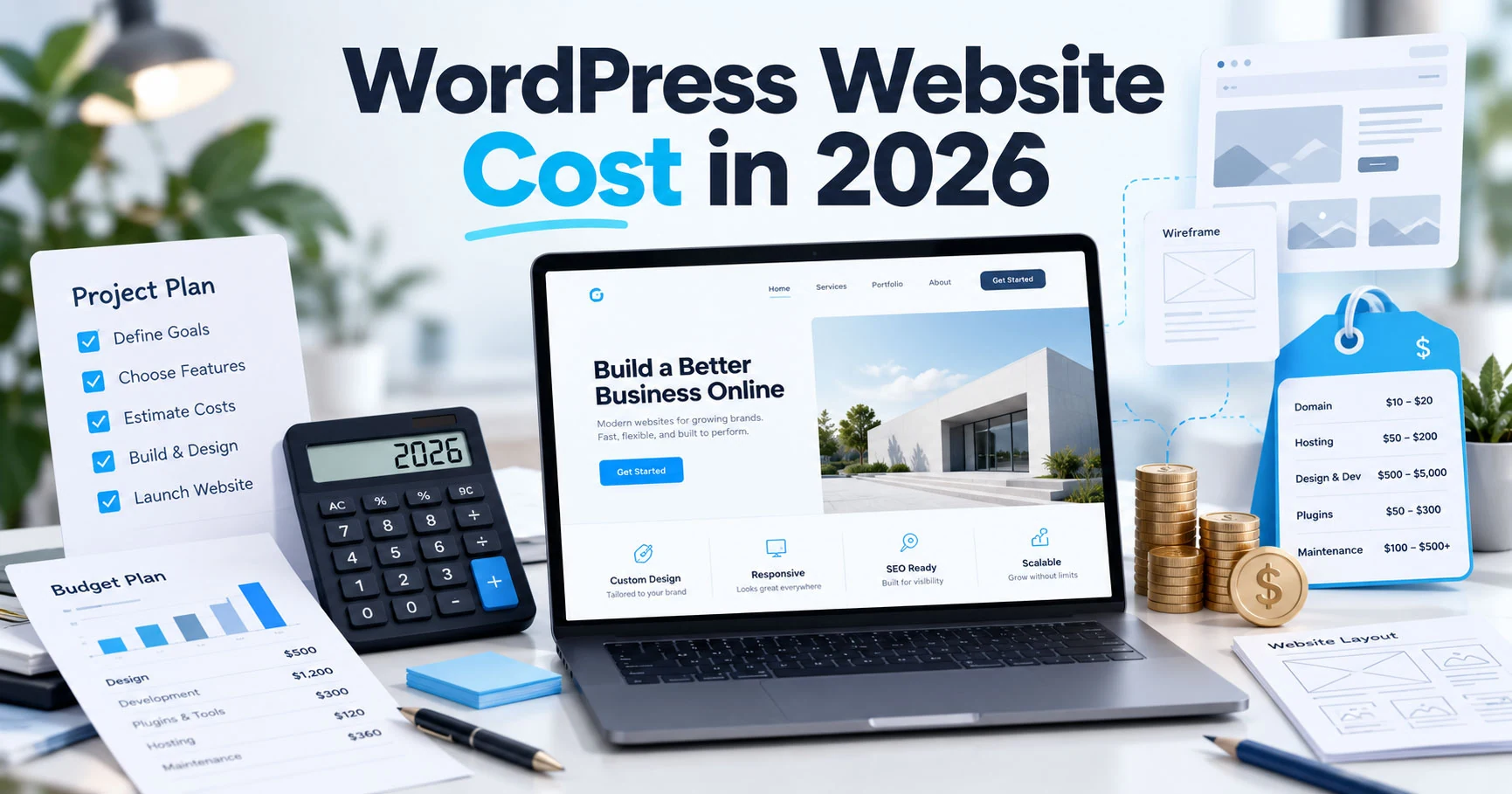
WordPress pricing varies widely. Upwork's public cost guide currently shows median WordPress developer rates around $15-$28 per hour and notes that rates may extend beyond $40 per hour depending on expertise and the work required. Fixed-price quotes are also common. These marketplace figures are broad indicators, not a reliable price for a specific website.
A small CSS fix, an Elementor landing page, a five-page business website, a complex migration, and a custom WooCommerce store should not cost the same. Your quote will be influenced by design requirements, content readiness, number of templates, integrations, custom code, product volume, multilingual needs, SEO work, performance targets, revision rounds, and launch support.
How to Prepare for a Successful WordPress Project
- Choose one person who can approve design, content, and technical decisions.
- Prepare your logo, brand colors, fonts, copy, images, legal pages, and account access.
- List required pages and features, then label each one as essential or optional.
- Collect two or three reference websites and explain what you like about them.
- Define the primary conversion: contact form, purchase, call, booking, signup, or download.
- Agree on milestones, review dates, revision rounds, launch steps, and support.
- Keep feedback consolidated, specific, and connected to the agreed business goal.
The developer should still guide the process, but preparation prevents delays and gives them better material to work with. It also makes it easier to recognize when a new idea is outside the original scope and should be scheduled separately.
Freelancer vs WordPress Agency: Which Is Better?
Choose a freelancer when you want direct collaboration, focused technical ownership, flexible support, and a project that can be delivered by one experienced specialist. Choose an agency when the work requires a larger team across branding, copywriting, advanced UX research, photography, advertising, enterprise integrations, or round-the-clock support.
There is also a middle option: a senior freelancer who collaborates with trusted specialists when needed. Ask who will actually do the work and who remains accountable for delivery. The label matters less than the quality of the process.
Frequently Asked Questions
Should I hire a WordPress developer or an Elementor expert?
Hire an Elementor expert for visual page building, responsive layouts, reusable templates, and business-site design. Hire a WordPress developer when you need custom PHP, complex integrations, database work, or deeper debugging. Many projects benefit from someone who understands both.
Is it safe to give a freelancer access to my website?
Use a separate administrator account, share credentials through a secure method, grant only the access required, create a backup first, and remove or reduce access after the project. Never send banking, payment-gateway, or personal passwords when a limited team account can be created.
Should I hire hourly or fixed price?
Fixed price works well when deliverables and revision rounds are clear. Hourly billing works well for investigation, troubleshooting, evolving support, and tasks where the exact effort cannot be known before inspection. Milestones can combine the strengths of both approaches.
How long does a WordPress website take?
A focused landing page may take days, while a complete business website or store may require several weeks. Content readiness, feedback speed, features, integrations, and revision volume usually affect the schedule as much as development itself.
What should I own when the project is complete?
You should have access to the domain, hosting, WordPress administrator, analytics, forms, premium licenses or renewal plan, backups, and any project files included in the agreement. The handover should also explain how to edit key content and request future support.
Hire a Freelance WordPress and Elementor Expert
The best WordPress projects are not built from a long plugin list. They come from clear goals, sensible structure, careful implementation, mobile testing, and reliable communication. Take time to define your project and ask the questions in this guide. The right freelancer should make your decisions easier, not more confusing.
I help businesses, agencies, and entrepreneurs build, fix, redesign, migrate, and improve WordPress, Elementor, and WooCommerce websites. You can review my services, recent work, and client feedback, then hire me securely through Upwork with clear milestones and professional communication.
Continue Planning Your Website
WordPress Website Development
Custom responsive WordPress websites built with Elementor, clear structure, and practical SEO foundations. Ideal for businesses that need a clean site they can manage after launch.
Explore Service Case StudyNu-tility Website
A completed business website project for an energy infrastructure company, focused on a professional digital presence and clear service positioning.
View Case Study GuideWhy Your Business Needs a Professional WordPress Website
Why a professional WordPress website remains a valuable business asset in 2026, from credibility and SEO to mobile performance, lead generation, ownership, and growth.
Read Guide